1
You pick the size, Squish does the fitting
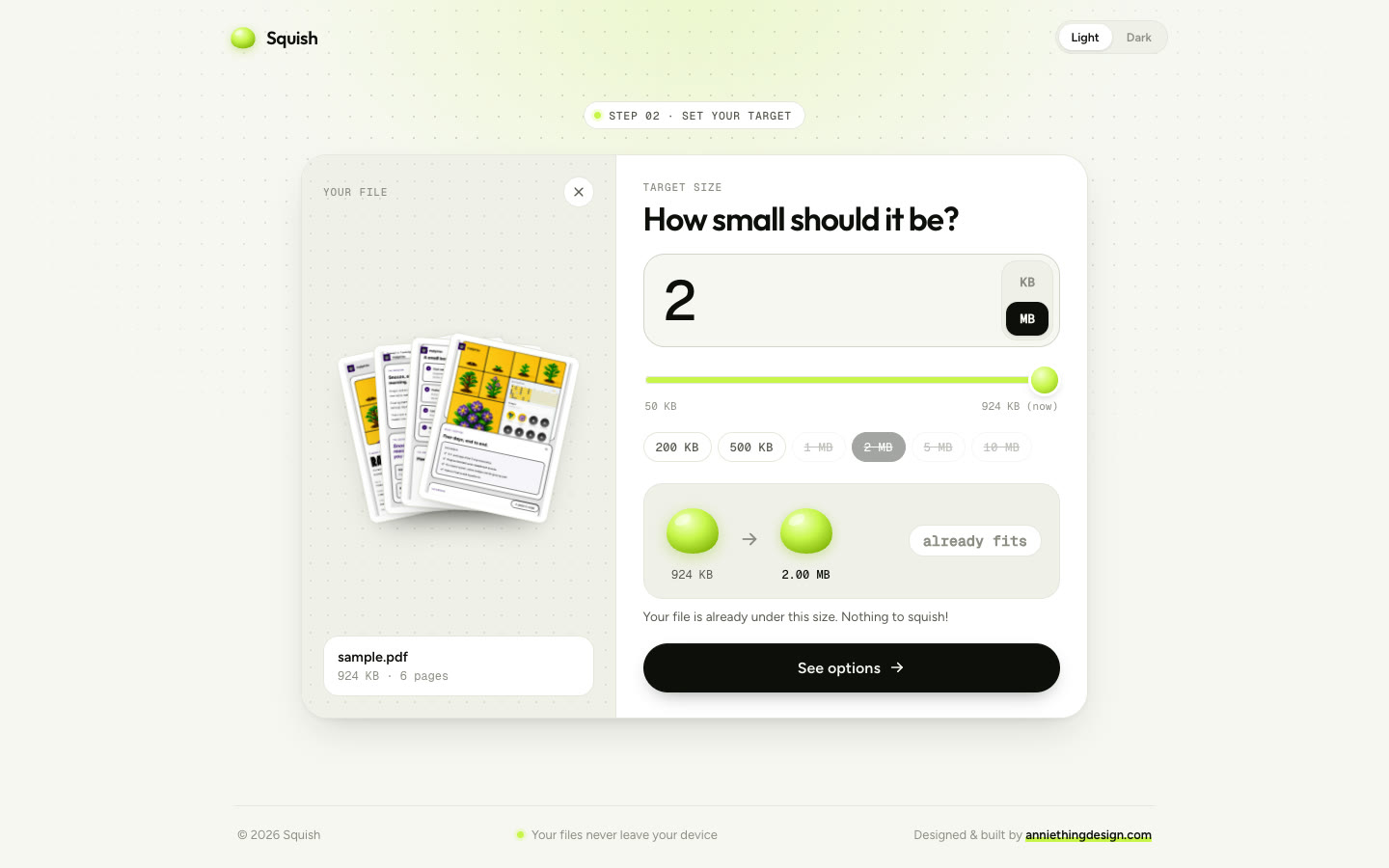
Type a size in KB or MB, or tap a preset from 50 KB to 10 MB. Squish searches for the best quality that still fits under it.
 Squish
Overview
A PDF compressor that starts from the size you need.
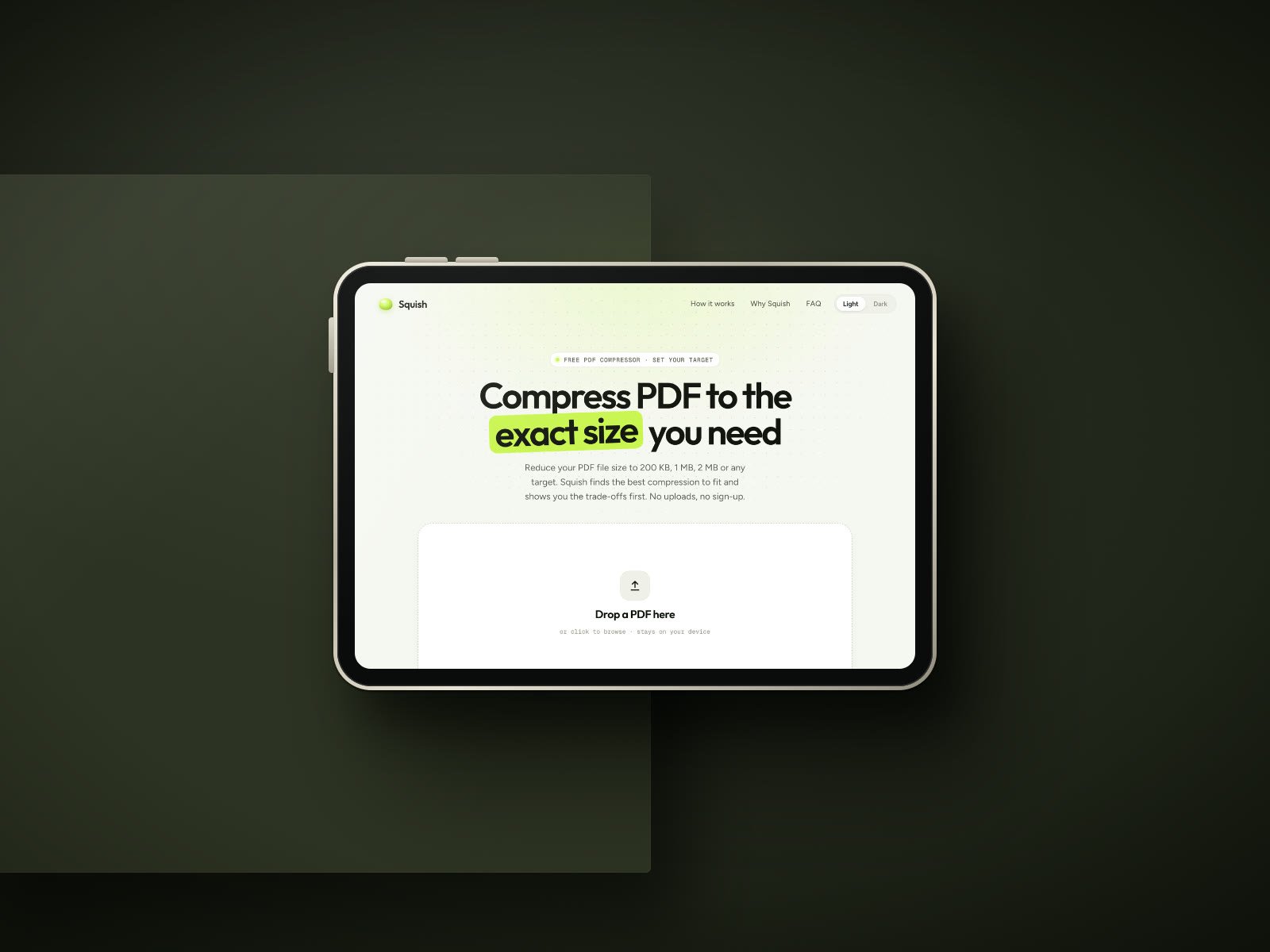
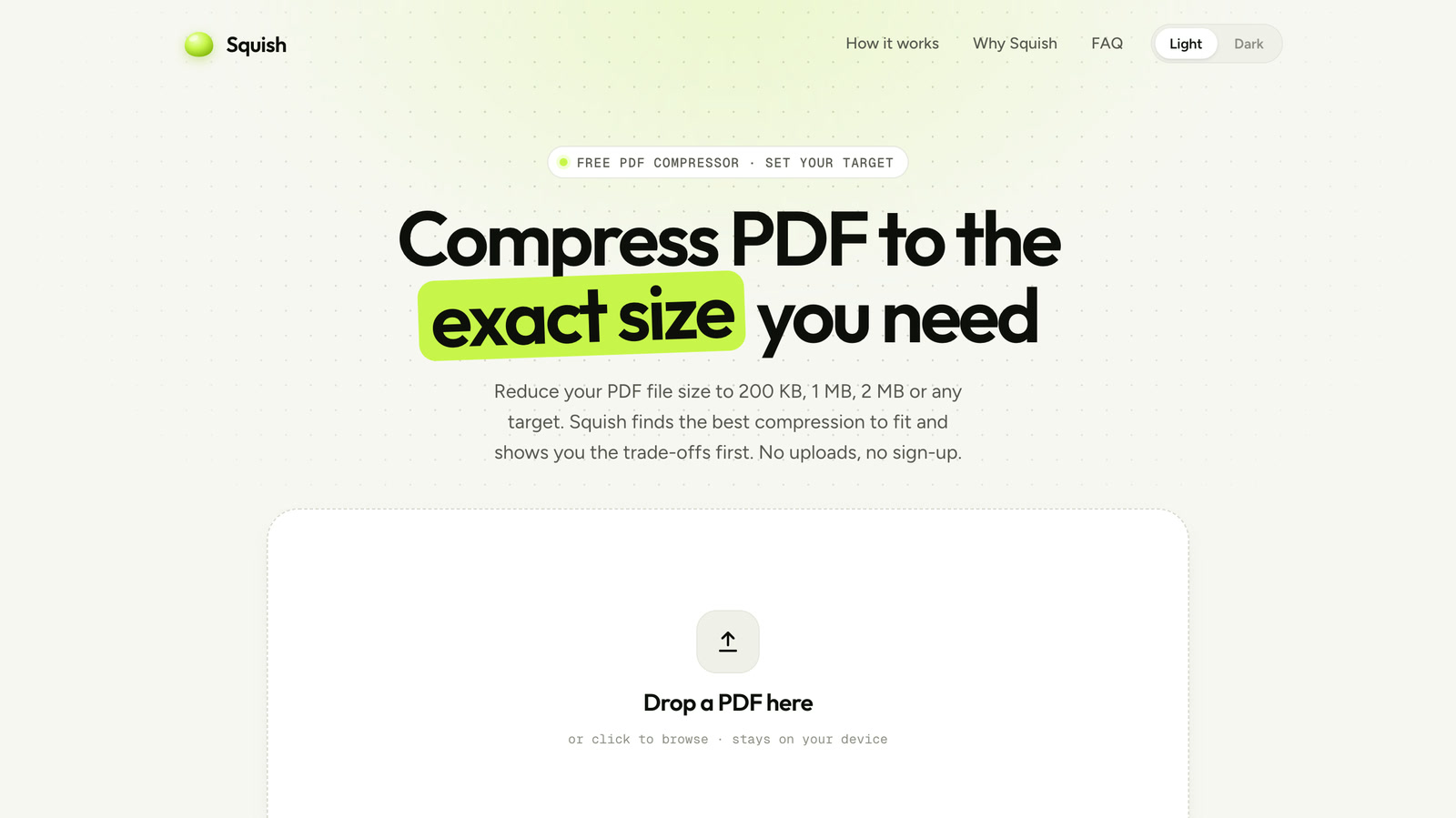
Squish is a free PDF compressor that starts from the number you need, like "under 2 MB", and finds the best quality that fits. It runs entirely in the browser, so files never leave the device. I designed and built all of it: the product, the brand, the code and the copy.
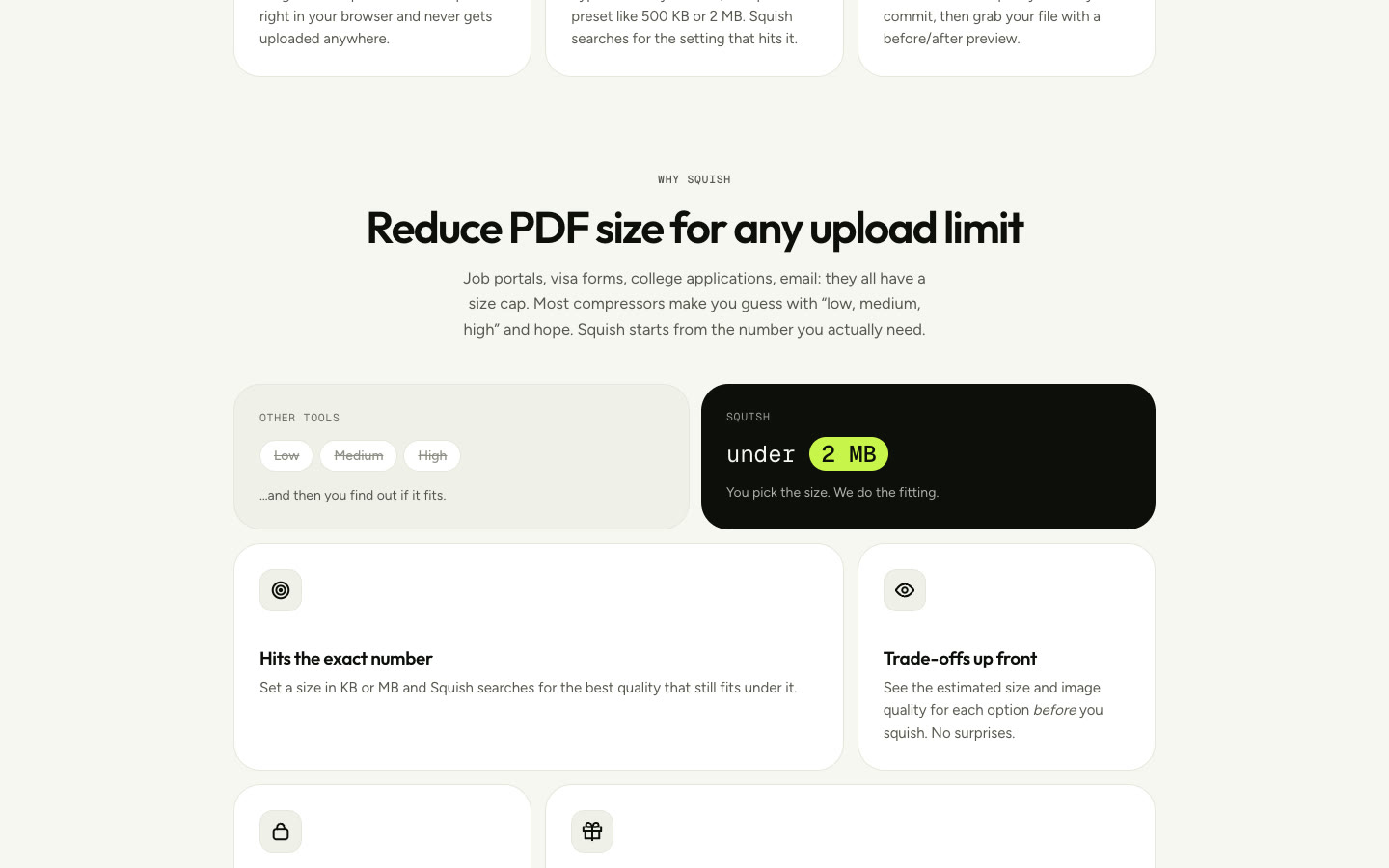
Job portals, visa forms, college applications and email all have a file size limit.
Most compressors make you guess: low, medium or high. Then you find out whether it fits, and try again.
And many of them upload your passport scan to a server you know nothing about.
People filling in applications and forms, usually in a hurry and slightly stressed.
The number to fit, a file that's still readable, and to not hand their documents to a stranger.
Nobody thinks in compression levels. They think "the form says under 2 MB".
I designed and built Squish over a few days. These are the pieces that mattered most, in the order I made them.
A squishy ball logo, ink and electric lime colours and a share image. Soft, bouncy shapes make a dull chore feel light.
The ball bounces, presses and springs back while a file compresses, and a metal press with a little confetti marks the finish. Waiting shows progress instead of a frozen screen.
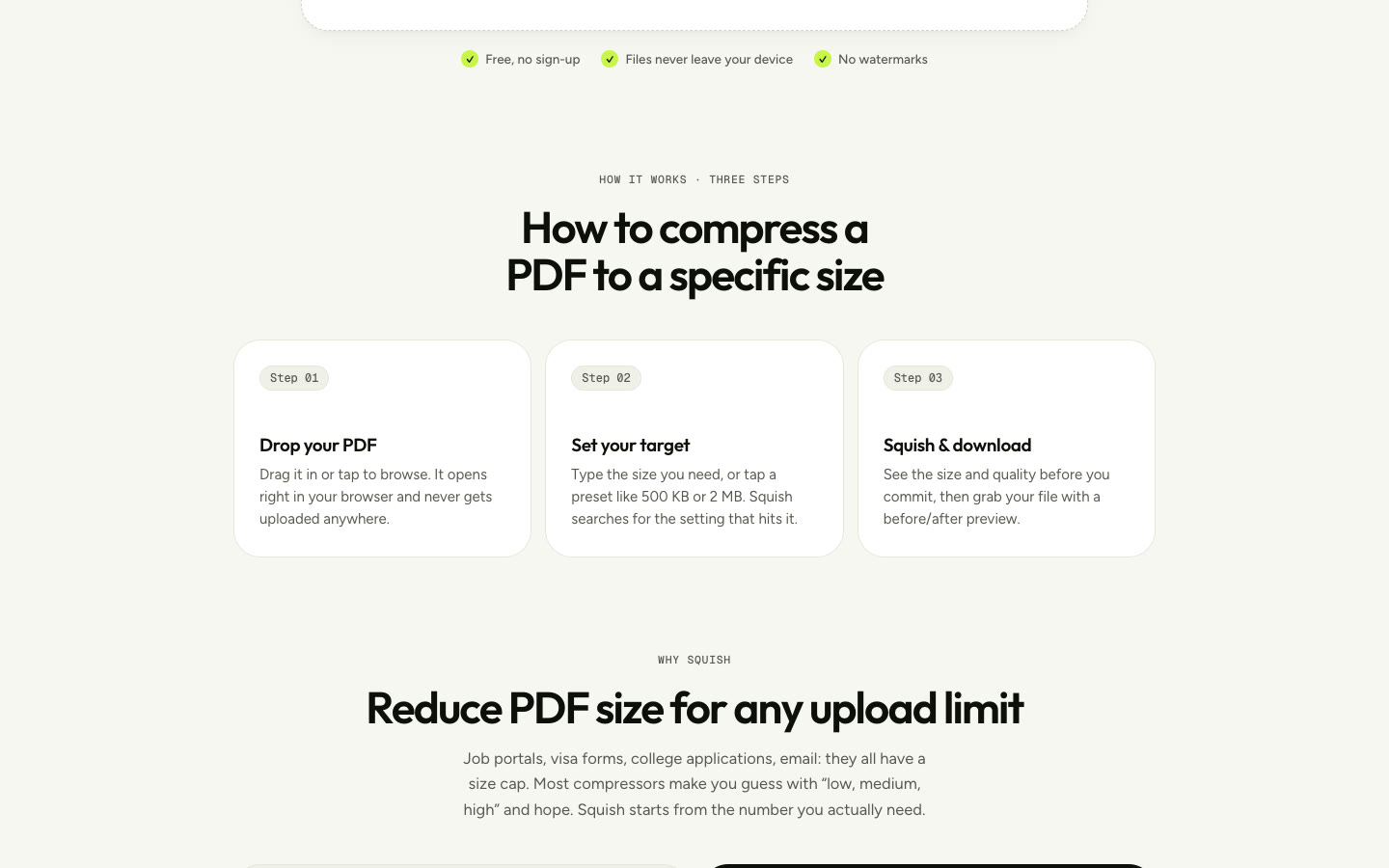
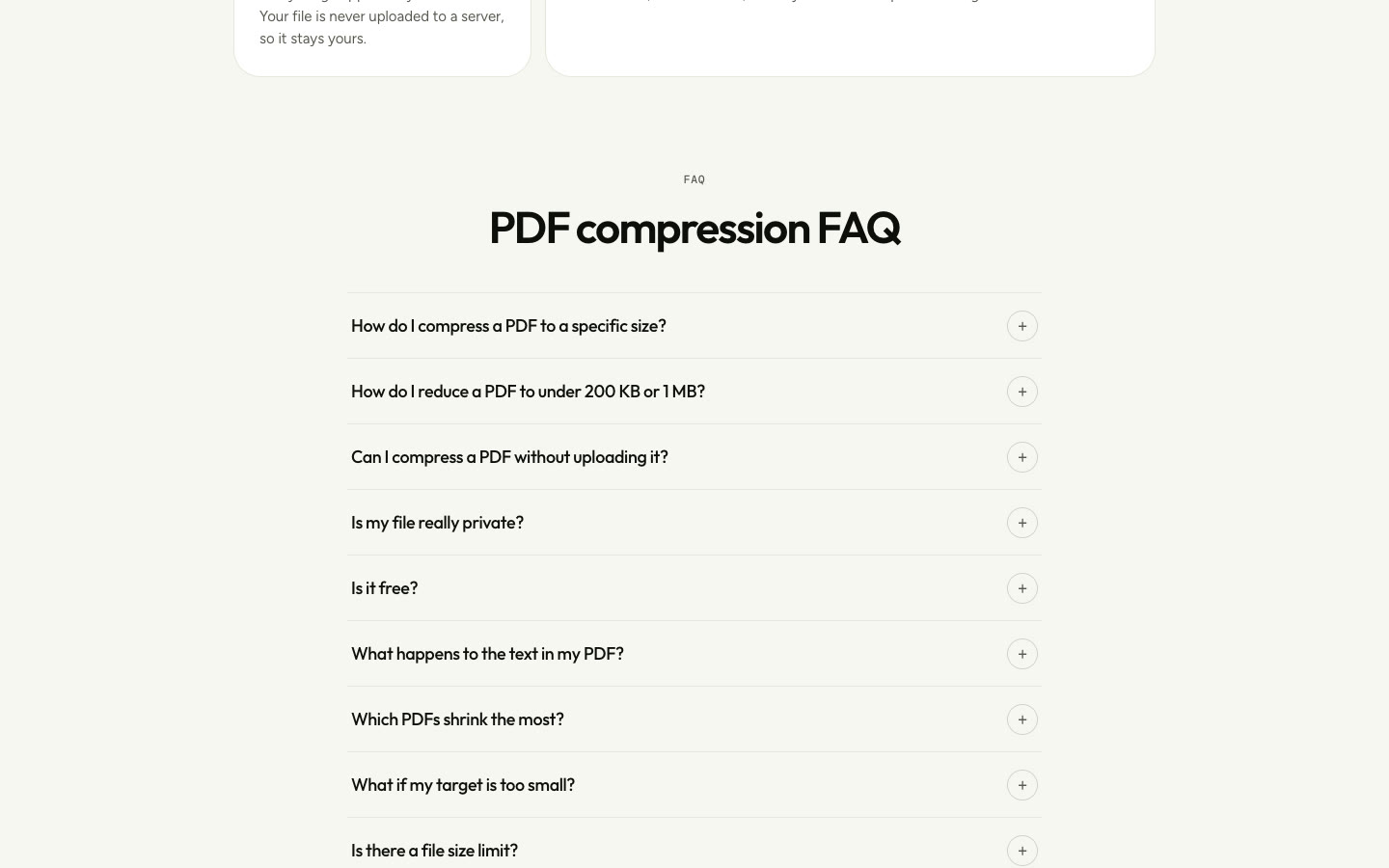
Hero, how it works in three steps, why Squish and an FAQ, written in the words people type into search when a file is too big.
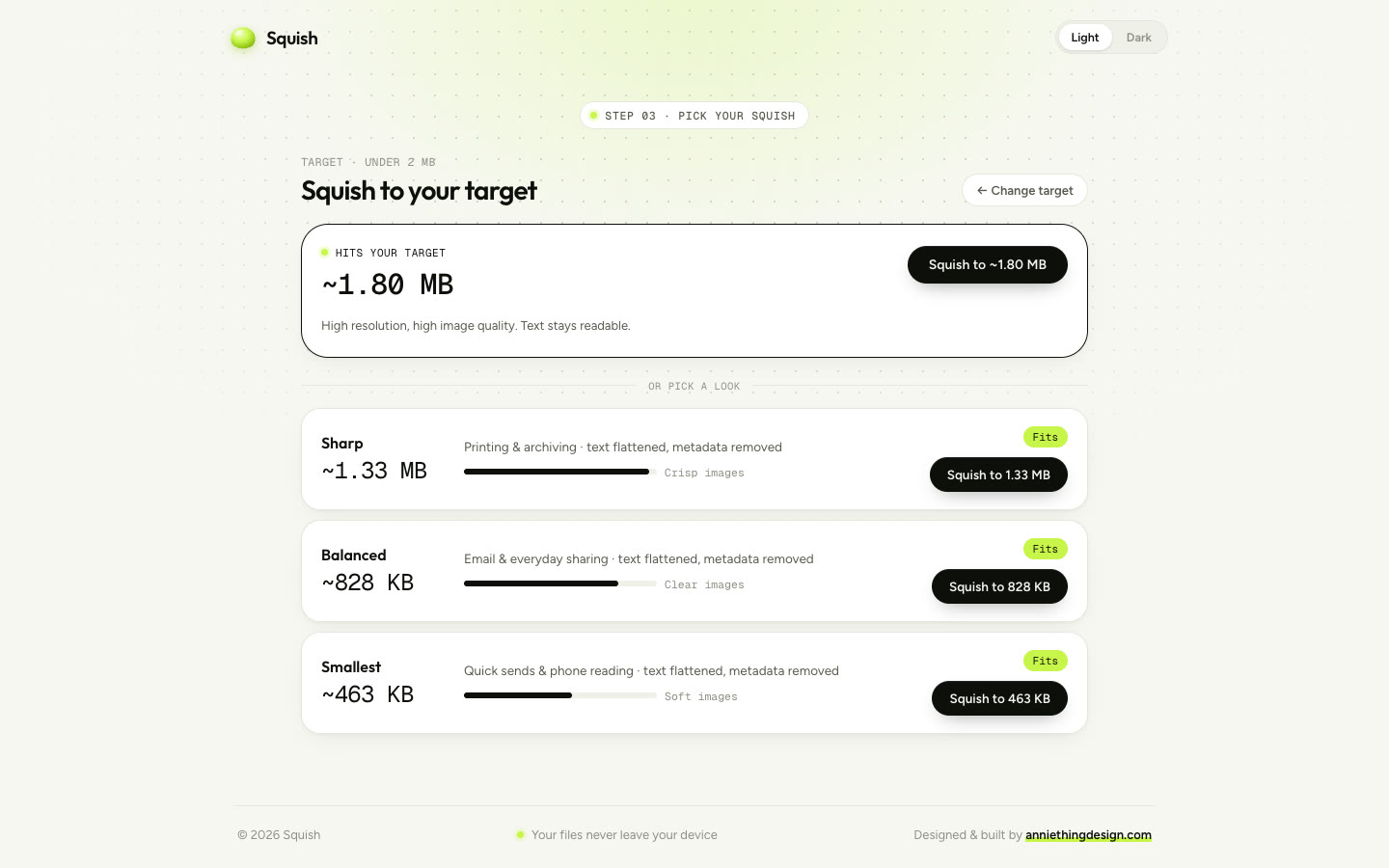
Fanned pages, one big size input and a ball slider. You start from the limit you were given, not a compression level.
Everything runs in the browser, so passports and certificates never touch a server. The hero says it up front: nothing is uploaded.
Type a size in KB or MB, or tap a preset from 50 KB to 10 MB. Squish searches for the best quality that still fits under it.
Each option shows its estimated size, image quality and what it's good for, before anything is squished.
A metal press squashes your file while it works, and a little confetti marks the finish.
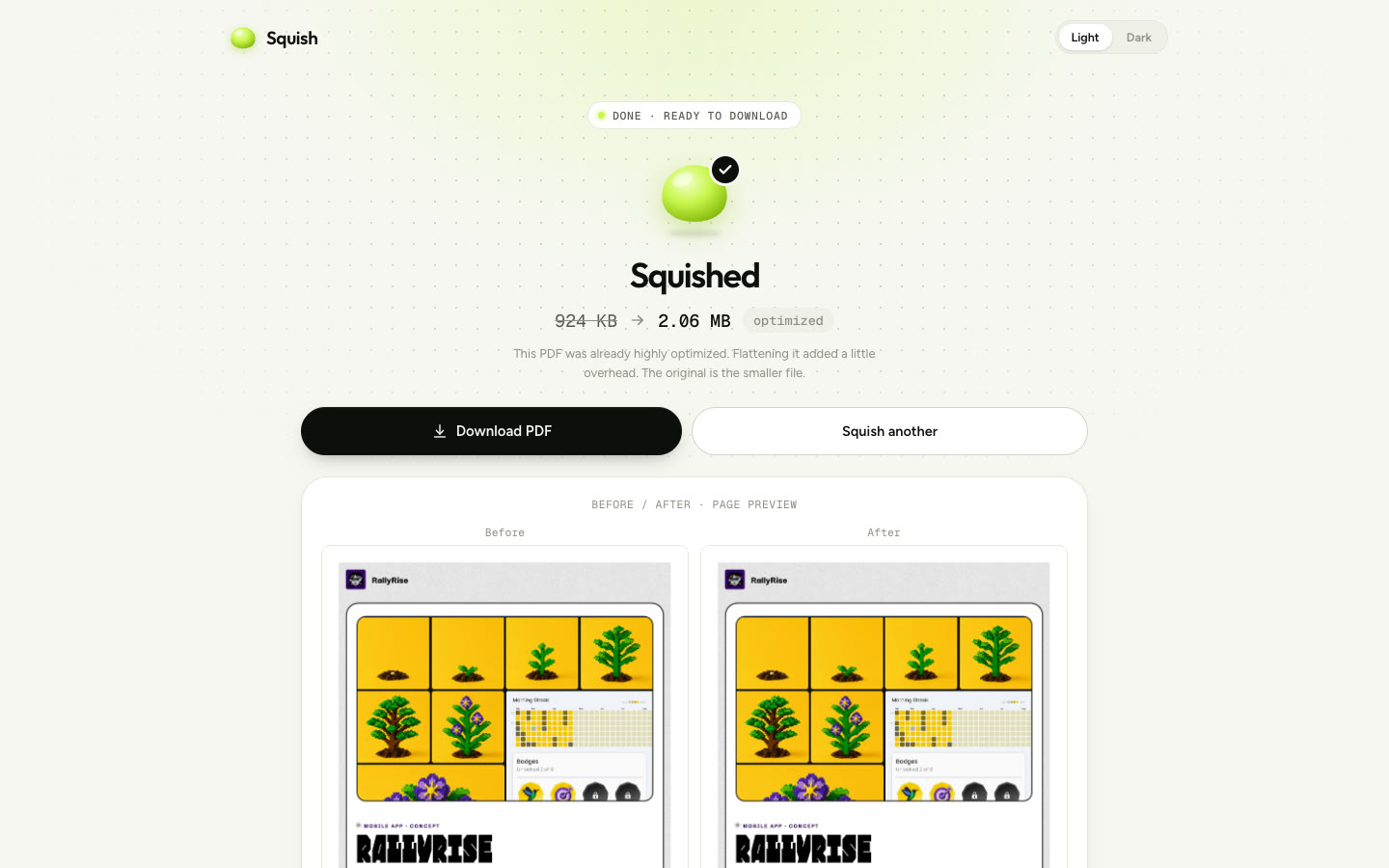
Some PDFs are already as small as they can get. If squishing would make the file bigger, Squish says so and suggests keeping the original, instead of handing back a worse file.
Squish is live at squish.anniethingdesign.com. No account, no watermark, no daily limit.
"This file is already small" builds more trust than a fake 2% saving.
When you write the code, you can keep adjusting a bounce until it feels right.
Writing for search meant writing the way people actually describe their problem.